
CrystalDiskInfo
CrystalDiskInfo is a free, open-source Windows utility that reads information from hard drives and SSDs and shows their health status.
Windows
Open source

CPU-Z is a free Windows utility from CPUID that shows detailed information about your processor, memory and motherboard. The current version is 3.01.
Average 0.0 · ratings: 0
Thank you! Your rating is saved; you can change it. Could not save the rating. Please try again later. Too many ratings from your network today. Please try again tomorrow. The average appears after 5 ratings.
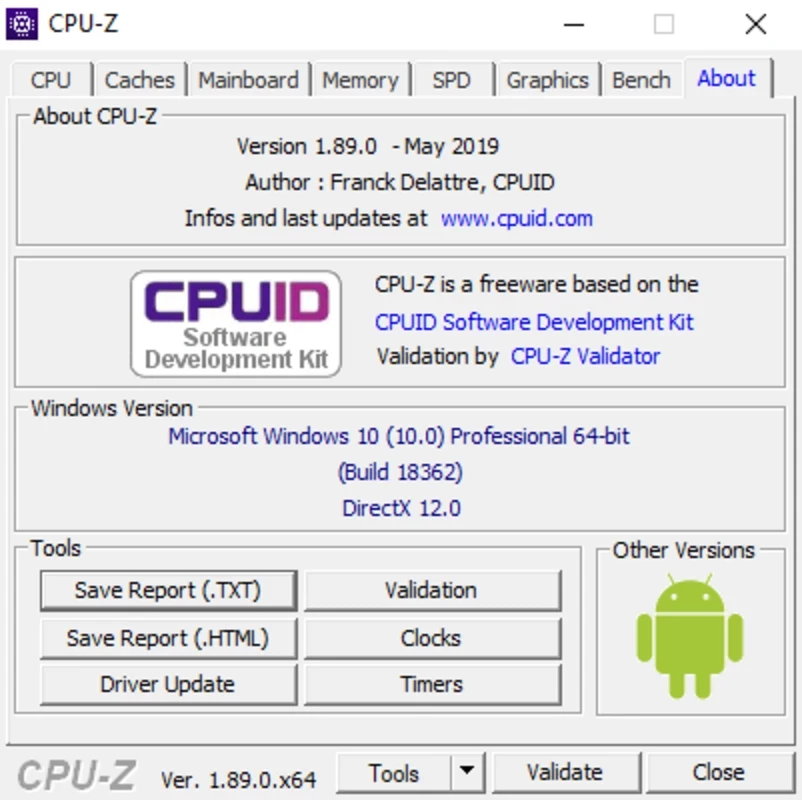
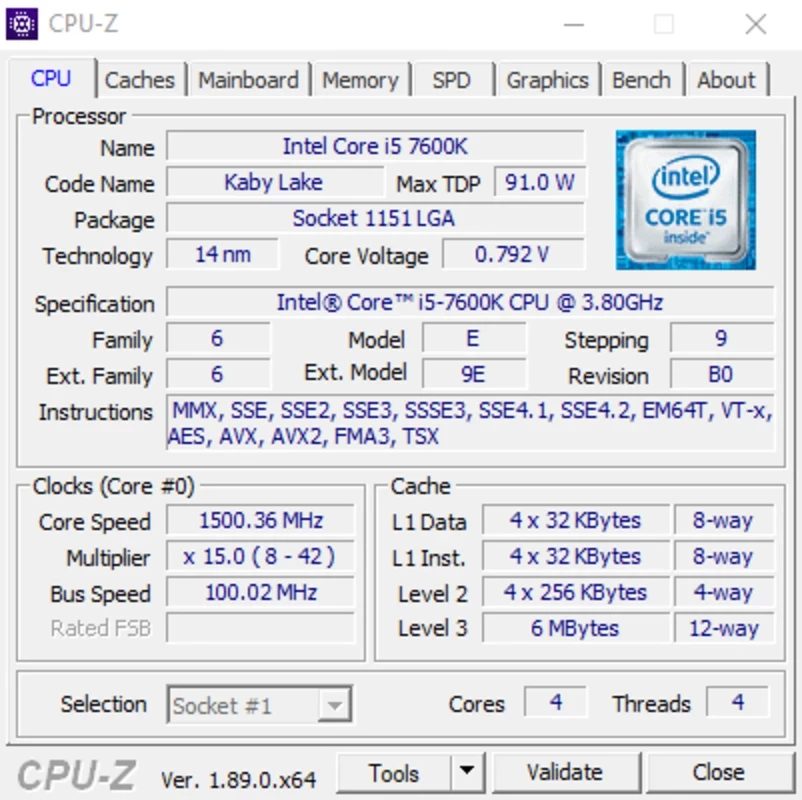
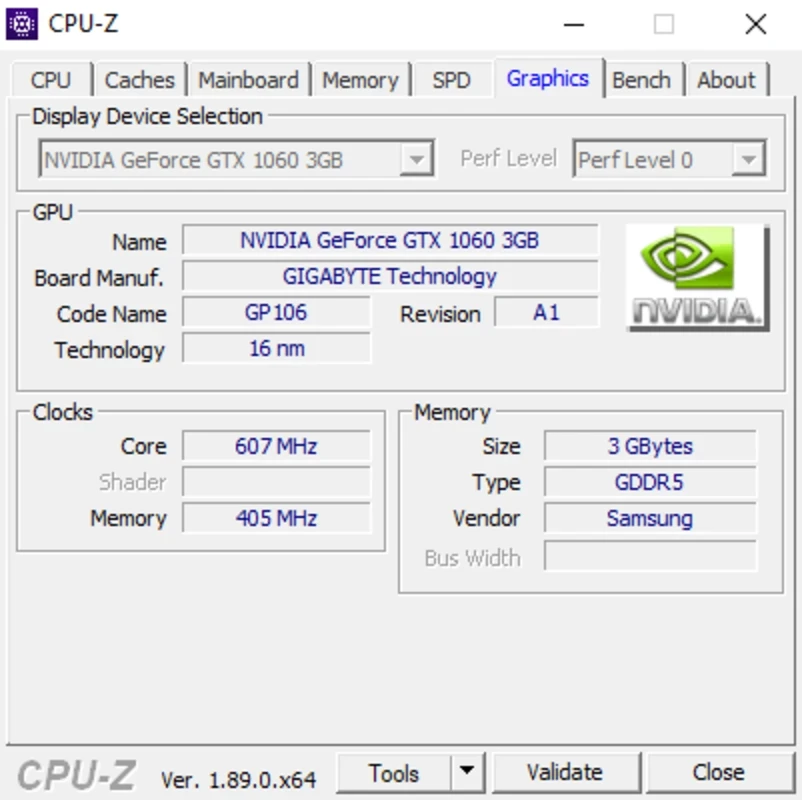
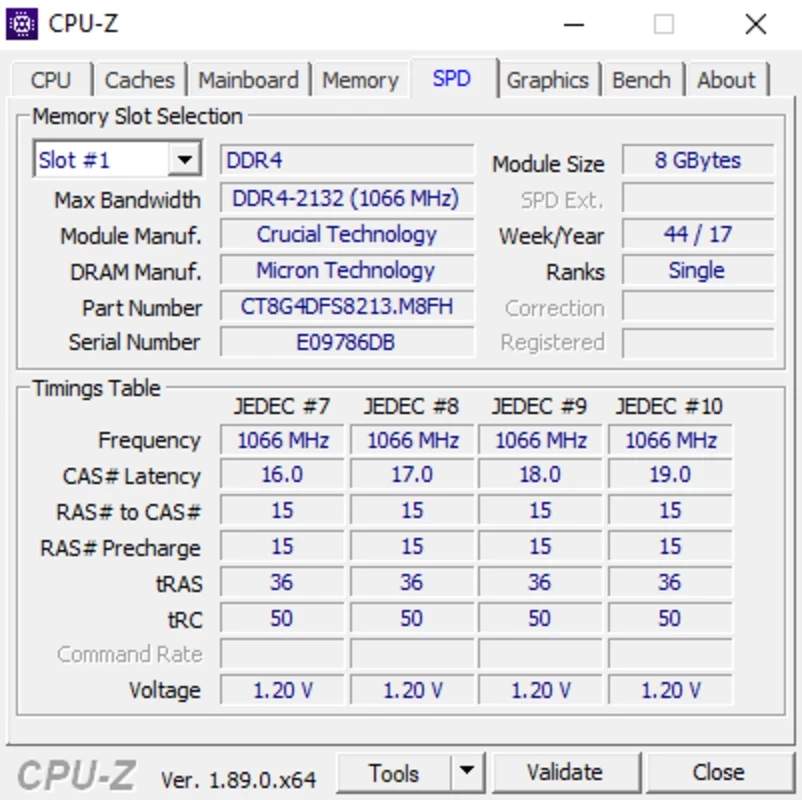
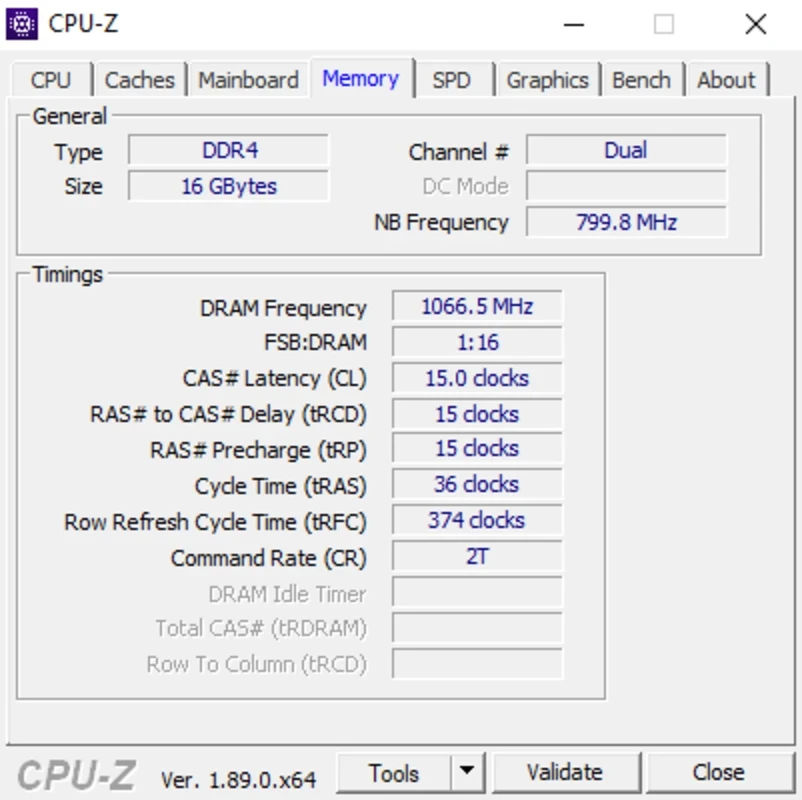
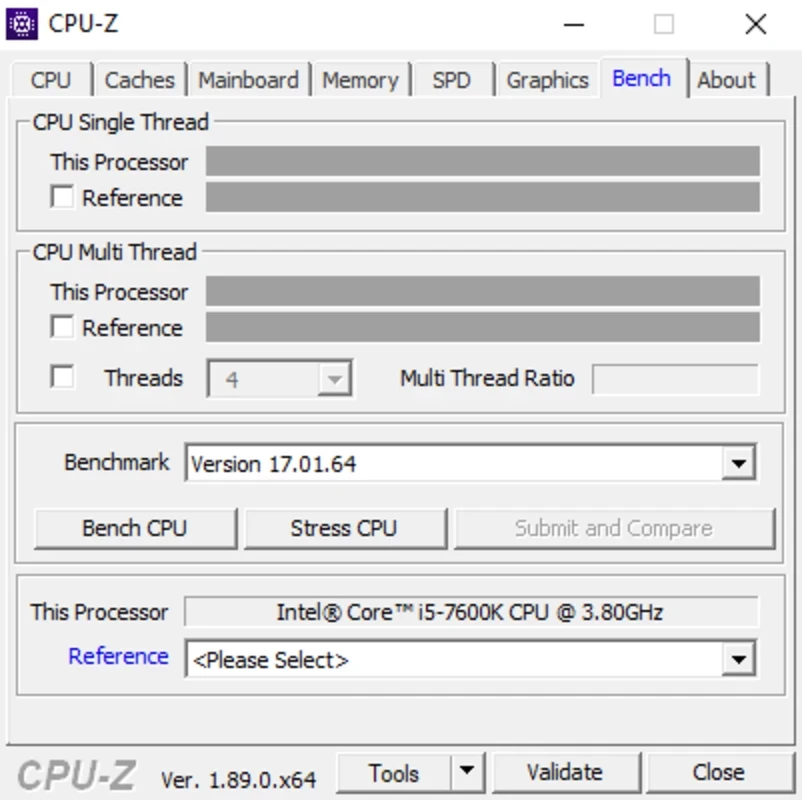
CPU-Z 3.01 is a free Windows utility from CPUID that tells you exactly which processor, memory and motherboard are inside your PC. This version was released on 20 August 2026.
People download CPU-Z for Windows before upgrading a computer, when checking a used PC they want to buy, or simply to confirm that RAM runs at the speed they paid for.
| Version | 3.01 |
|---|---|
| Size | ≈ 4.61 MB (catalogue data) |
| Developer | CPUID |
| License | Free |
| Platform | Windows; a separate app exists for Android |
| Around since | 1999 |
CPU-Z is a system profiler, and it does one job very well. The first tab names your processor and lists its codename, socket, core count, cache sizes and current clock speed, updating the numbers live as the load changes. Other tabs cover the motherboard and BIOS version, the memory type and timings, each installed RAM module and the graphics card. None of this needs a screwdriver or a trip into the BIOS. That makes it the quickest way to answer practical questions: will this CPU fit a new board, is there a free slot for more memory, did the BIOS update actually install? CPUID has maintained the tool since 1999, and in all that time it has stayed small, free and focused on facts rather than advice, which is why technicians keep it on a USB stick.
CPU-Z is freeware from its own developer and contains no ads. Download it only from cpuid.com; copies on mirror sites are sometimes bundled with extra installers.
Before it came the long 2.x series. Version 3.01 is the current line, so older guides that mention 2.x screens may look slightly different.
Buying a second-hand laptop is the classic case. A seller may describe the machine loosely, but CPU-Z shows the real processor model, how much memory is installed and in how many modules, and which motherboard sits underneath. The same check is useful after building a PC: if the memory tab reports a lower speed than the box promised, the profile in the BIOS probably needs to be switched on. Support staff also ask for CPU-Z screenshots because they settle hardware questions in one message instead of ten.
Any Windows PC will do; the program is tiny and compatible with desktop and laptop processors alike. On a phone, use the separate CPU-Z app from Google Play.
CrystalDiskInfo is a free, open-source Windows utility that reads information from hard drives and SSDs and shows their health status.

Google Play is Google's digital distribution platform. On Windows, Google offers Play content through the browser and Google Play Games on PC.

Media Creation Tool is a free Microsoft utility that downloads Windows and turns it into a bootable USB flash drive or an ISO file.

LDPlayer is an Android emulator for Windows that runs mobile apps and games on a computer.

BlueStacks is an Android emulator for Windows that lets you run Android apps and games on your PC.

Rufus is a free Windows utility that turns a USB stick into a bootable installer. The current version is 4.15.

PC App Store is a free software store for Windows from Baidu for finding, installing and updating PC programs. This page covers version 5.0.1.8682.

Uptodown App Store for Windows is the desktop client of Uptodown, a marketplace for desktop software and mobile apps. This page covers version 1.0.3.

NoxPlayer is a free Android emulator from Bignox for Windows and macOS that runs mobile games and apps on a computer with keyboard and mouse control.